
Create an invoice or quote, free online
Add your business details and line items, then download a PDF for free. No account or credit card needed.
Loading the invoice and quote builder…
From details to PDF in three steps
Create your document, add the essentials, then check it before sending.
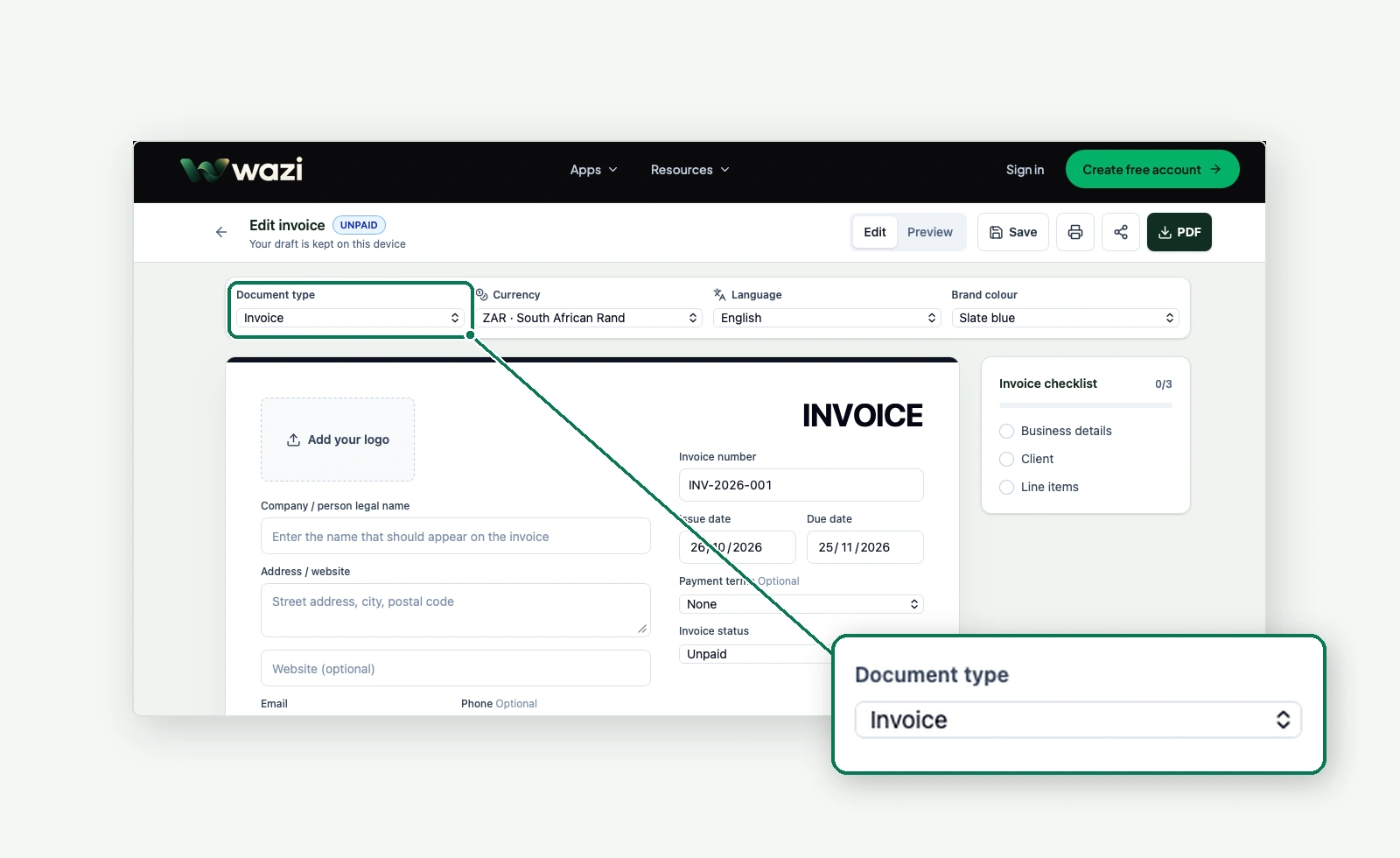
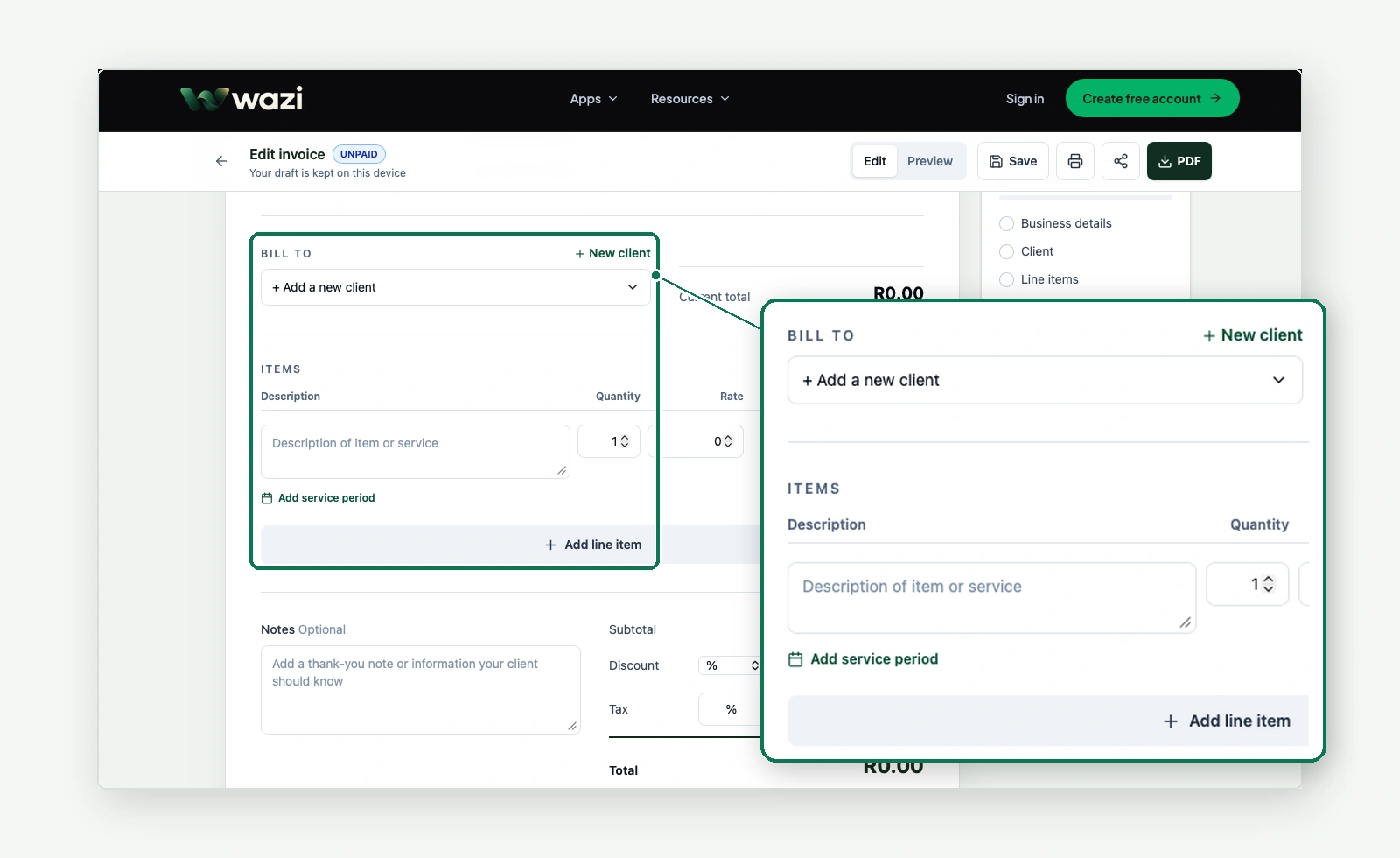
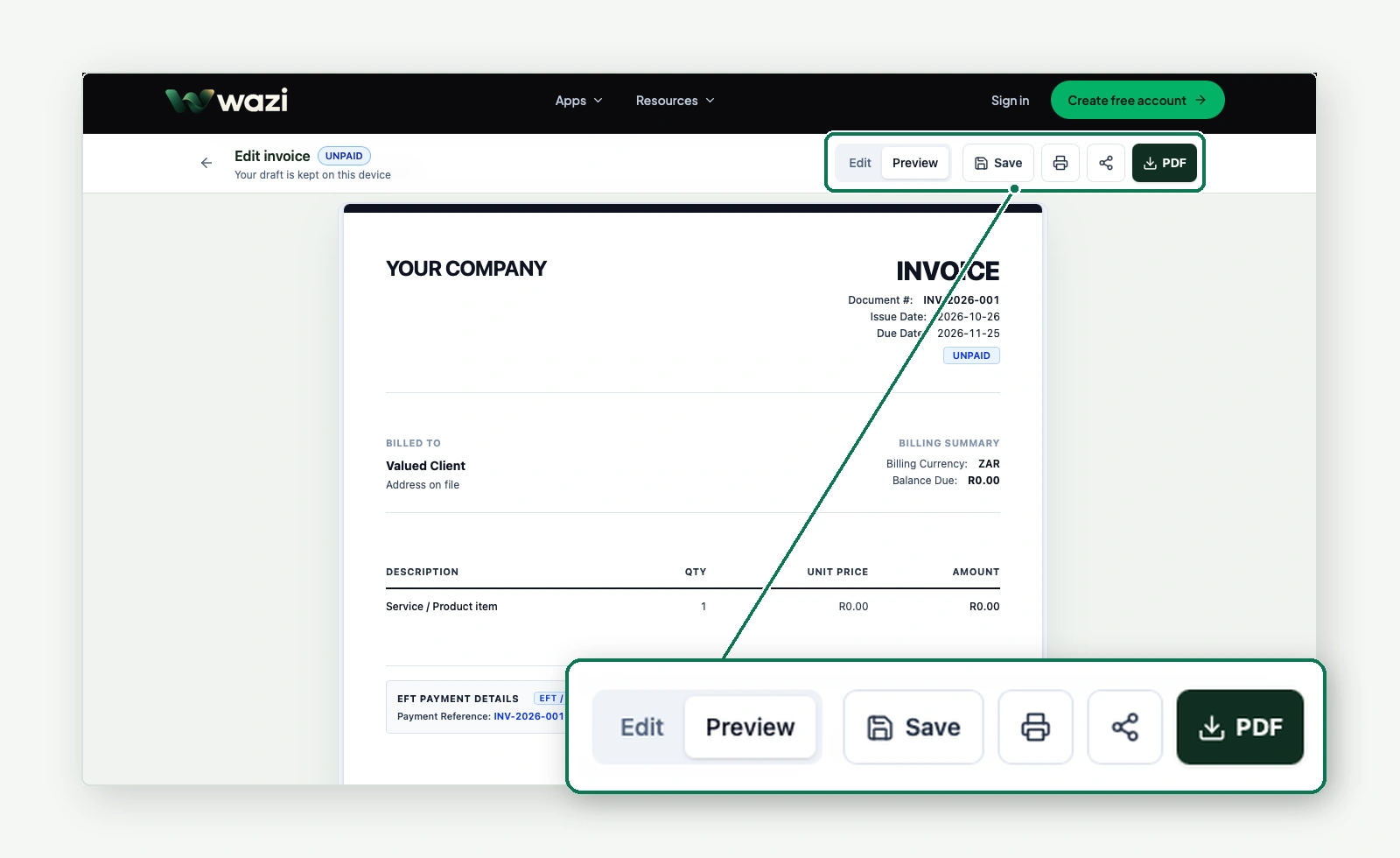
Free invoice generator with PDF download
Create and send a professional document at no cost. Choose how you want to use the builder.
Make it. Download it. Send it.
Create invoices, quotes and estimates without signing up. Add your logo, customise the details, and download or share a PDF with Wazi branding.
Start creatingIncluded for every guest
- Create invoices, quotes and estimates
- Add your company logo
- Add business, client and line item details
- Choose a currency, language and document colour
- Add discounts, tax, shipping, bank details and terms
- Preview, print and download a branded PDF
- Share the PDF as an attachment
Your device can share the PDF through WhatsApp or another app when file sharing is supported. Otherwise, download and attach it yourself. Guest PDFs include Wazi branding. Choose South African rand (ZAR) or another supported currency in the builder. Selecting a currency does not convert prices.
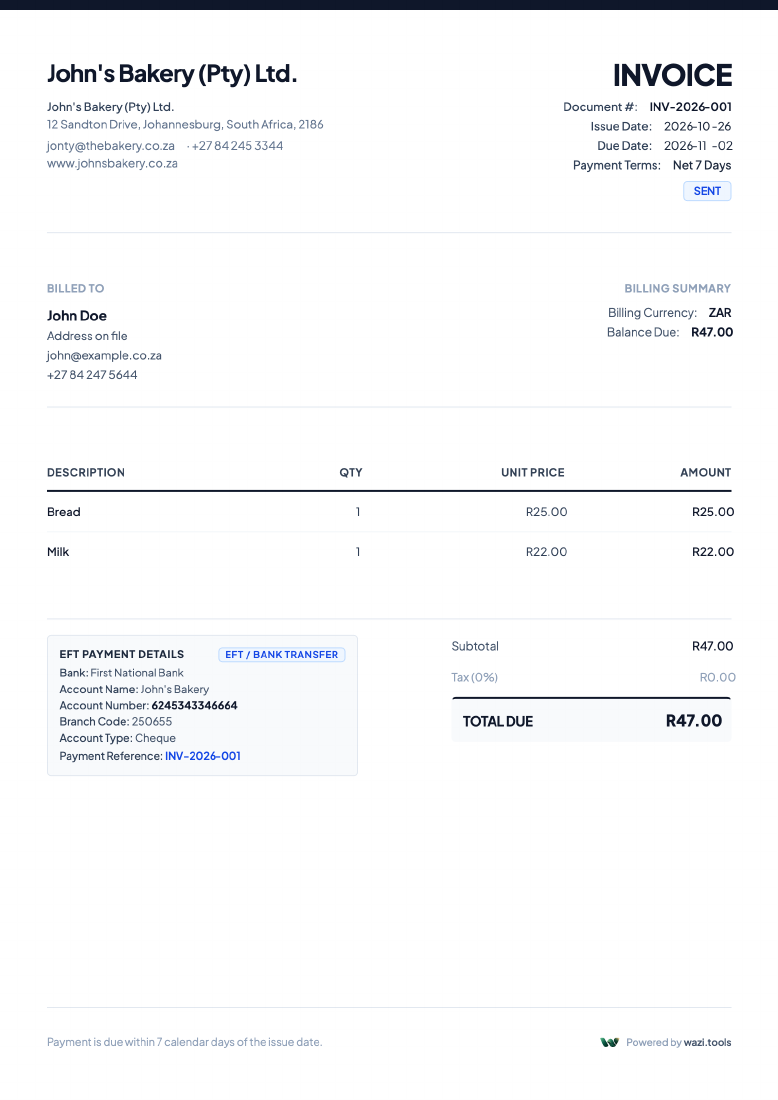
Explore a real document example
Switch between the invoice, quote and estimate PDFs supplied for this page. The preview is rendered directly from each file, so you can see the document you’ll download.
These are downloadable examples. Replace their details with your own in the builder.
Good invoicing habits, wherever you work
Use these practical checks for every document. Then check the rules for the country and tax system that apply to your business.
- 01Confirm the people and businesses
Check your legal business details, the client’s name, billing address and any required registration numbers.
- 02Check the reference and dates
Use a clear, unique reference. Review the issue date, supply or service date where relevant, and payment or validity date.
- 03Recalculate every amount
Check descriptions, quantities, rates, discounts, shipping, currency, tax treatment and the final total.
- 04Make payment instructions usable
State when payment is due and verify the account details or other payment method before sending.
- 05Review and keep the PDF
Open the exported file, confirm it matches the preview, and keep a copy with your business records.
Questions about the free builder
Is the invoice generator free?
Yes. You can create an invoice, quote or estimate and download a PDF for free. No credit card is needed. Guest PDFs include Wazi branding; a free Wazi account lets you remove it.
Do I need an account?
No account is needed to edit, add your logo, print, download or share a PDF. Create a free Wazi account to remove Wazi branding, save documents or host a 30-day invoice link.
Can I create a quote or estimate instead?
Yes. Use the document type selector at the top of the document to choose Quote or Estimate Quote. Review the dates, items and terms before downloading.
Can I download my invoice as a PDF?
Yes. Enter your details, check the Preview, then choose PDF. You can download without signing up. Check the downloaded document before sending it to your client.
Can I share a PDF without an account?
Yes. Choose Share to send the PDF as an attachment through your device’s share menu, including WhatsApp where supported. If your browser cannot share files, download the PDF and attach it to your message yourself.
Can I share a link to a hosted invoice?
Yes, with a free Wazi account. Save an invoice, then create a hosted link from Share. Anyone with the link can view the invoice for 30 days, unless you revoke it earlier. Hosted links are available for invoices, not quotes or estimates.
Can I add my company logo?
Yes. Select Add your logo in the public builder and upload your image. No account is needed.
How do I remove Wazi branding?
Select Remove branding (free) beneath the Wazi attribution in your document. Create a free account or sign in to remove the branding, then download your PDF again.
Which currencies are supported?
Choose from 30 African currencies, including ZAR, NGN, KES, GHS, EGP and both CFA francs, plus international options such as USD, EUR and GBP. Selecting a currency changes the document currency; it does not convert prices for you.
What happens to my draft and saved documents?
The public builder remembers your guest draft, company details, logo and colour in this browser on this device. They remain when you close the tab and return, but clearing site data or using another browser or device will not bring them back. Browser storage is not a backup: download a PDF to keep a copy. To save documents to your account and sync them, sign in to Wazi and choose Save.